
 ChatGPT
 Gemini
 Claude
Open a long AI chat
Use ChatGPT, Claude, or Gemini the way you already do.
Chrome extension for AI chat workflows
Jump between prompts, then copy or download clean Markdown from ChatGPT, Claude, and Gemini.
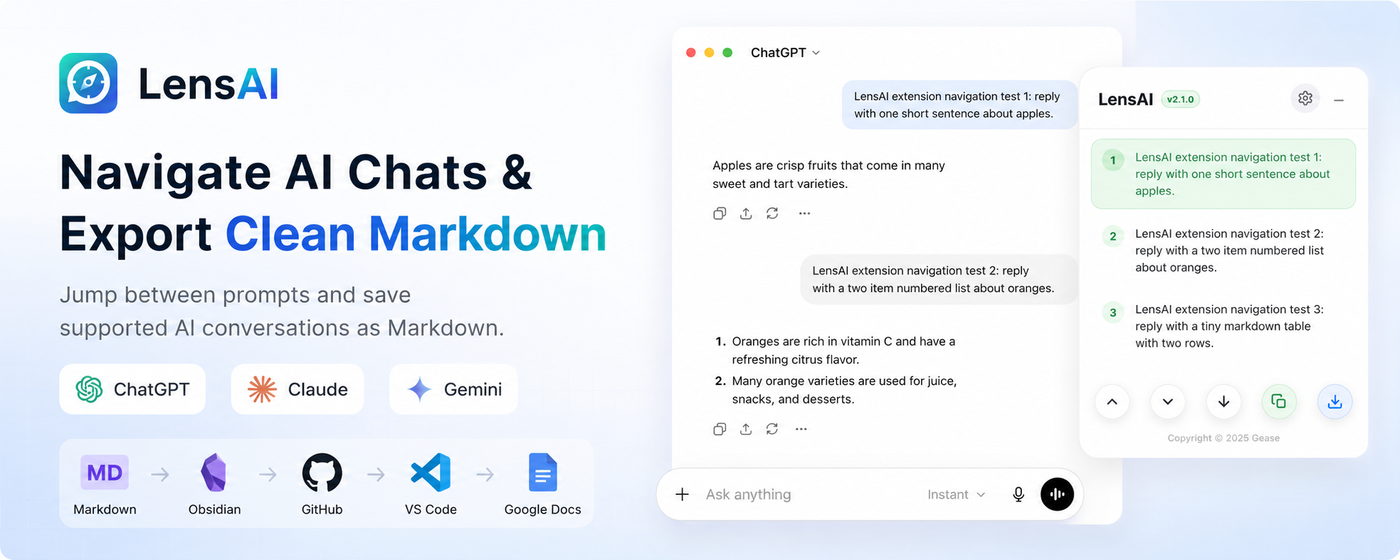
Workflow
LensAI stays close to one job: make AI chats easier to revisit, export, and store in the tools you already use.
Use ChatGPT, Claude, or Gemini the way you already do.
LensAI turns your prompts into a compact navigation outline.
Save the loaded conversation as clean Markdown in your browser.
Drop the file into Obsidian, docs, GitHub, VS Code, or your archive.
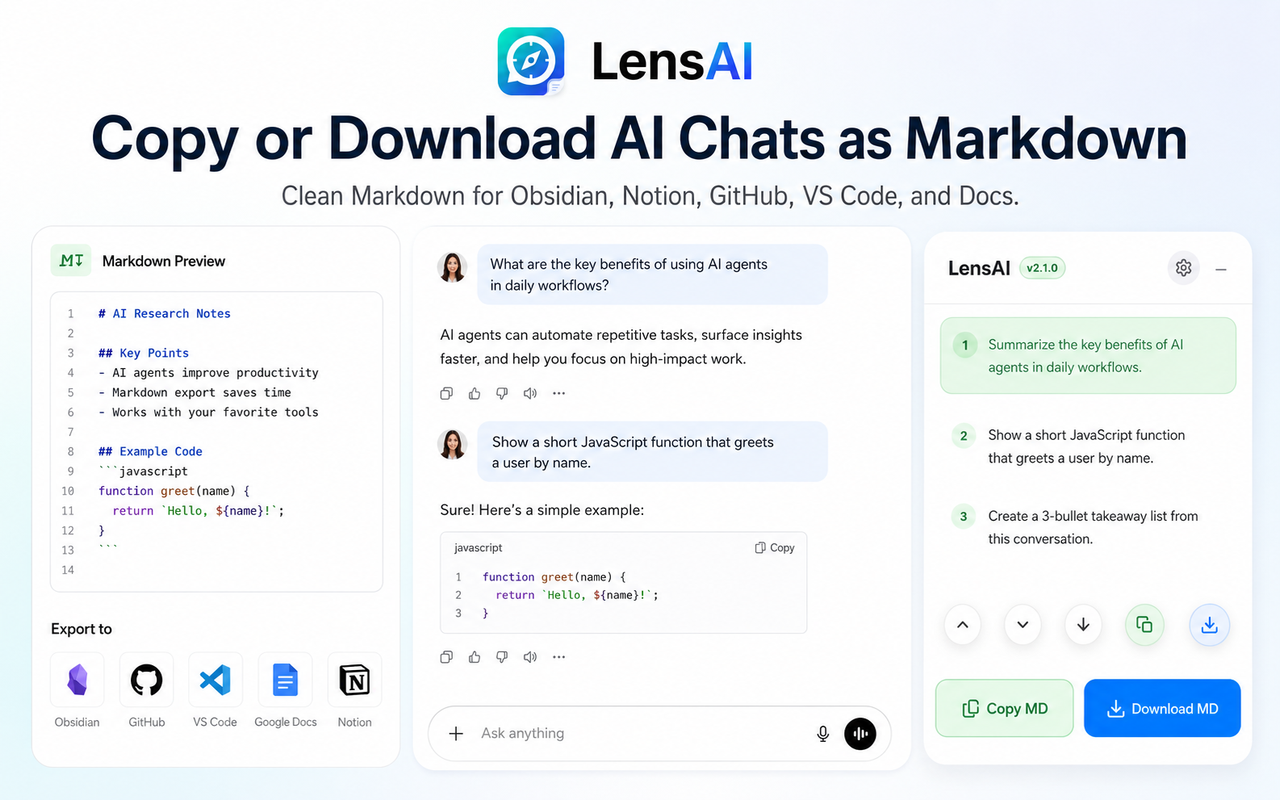
The sidebar lists your prompts as an outline, so you can jump back to the exact part of a long conversation.
Copy Markdown for quick reuse, or download a local .md file for Obsidian, docs, code notes, and research archives.
LensAI is for users who treat AI conversations as working material, not throwaway chat history.
Keep source-heavy AI threads readable after the browser tab is gone.
Save debugging paths, implementation notes, and reusable snippets.
Turn explanations and examples into structured Markdown notes.
Archive drafts, outlines, and useful AI answers without copy-paste cleanup.
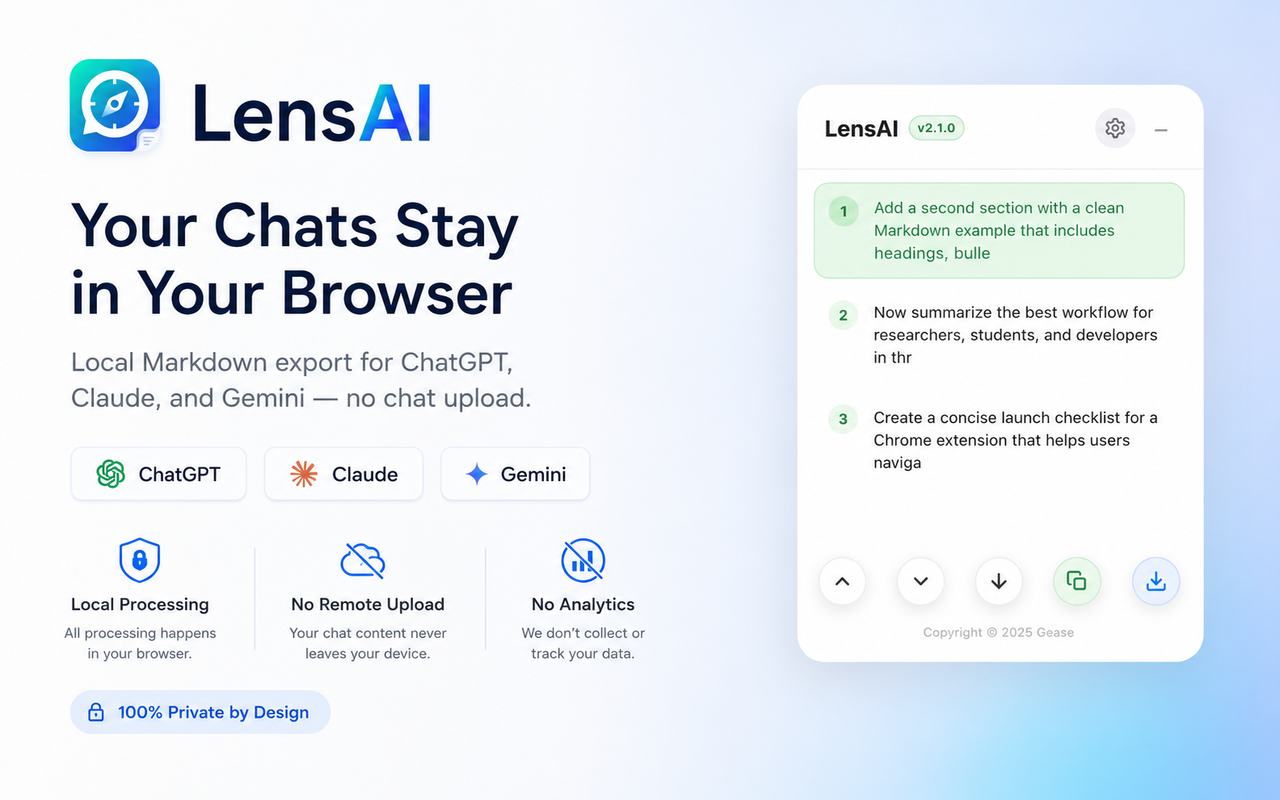
Privacy
LensAI reads supported AI chat pages only to build local navigation and Markdown export. It does not turn your conversations into a remote product database.
The product is intentionally narrow: navigation, Markdown export, and local-first handling.
LensAI currently supports ChatGPT, Claude, and Gemini.
No. The current product focus is navigation plus clean Markdown export.
Download MD saves a local .md file through your browser download flow.
LensAI reads supported chat pages only to build navigation and Markdown export locally.
Navigate long chats faster, then save the useful parts as Markdown.